
Big Number
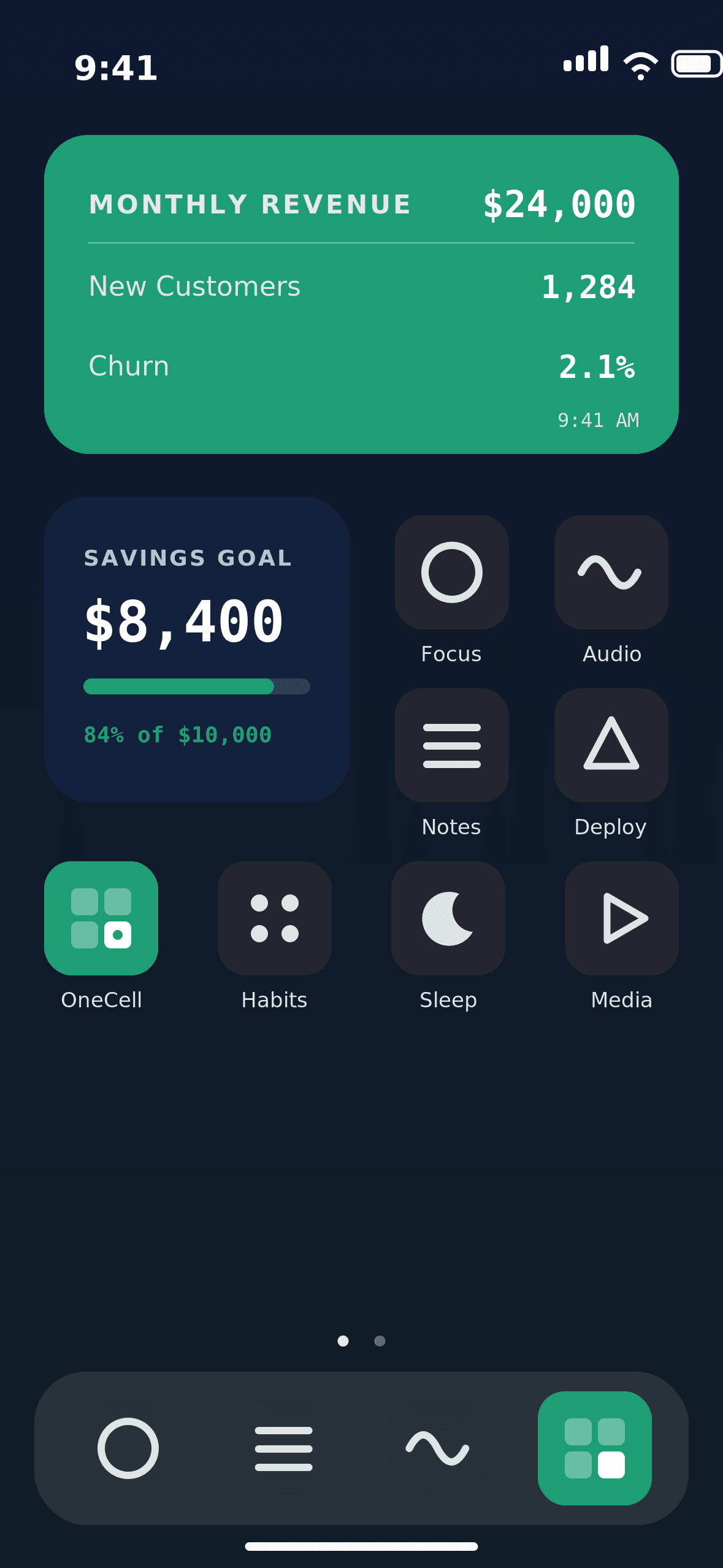
One giant metric
Step 1
Connect with Google OAuth, paste a view-only sheet link, or use a Safe Share code. Pick the exact range and leave the rest of the workbook private.


Step 2
Choose big numbers, goals, tables, or trends, then tune size, theme, label, icon, and refresh cadence in seconds.
Step 3
Use push-assisted refresh for source changes and give teammates a widget, not edit access to formulas, sheets, or hidden tabs.

Templates
Drag through OneCell’s widget formats: big metrics, goal bars, tables, sparklines, and mini dashboards.
Proof
Founders, operators, creators, and finance leads use OneCell-style widgets to keep the important number visible.
I stopped opening the revenue sheet ten times a day. The one number I need is just sitting on my phone.

Maya R.
Founder
The template cards make our weekly goals feel like a product, not a spreadsheet chore.

Andre L.
Operations Lead
Read-only widgets are perfect for clients. They see progress, and we keep the source model clean.

Priya K.
Finance Consultant
I use it for creator analytics. Followers, paid subs, and revenue are finally glanceable.

Caleb M.
Creator
OneCell is the tiny dashboard I actually check because it lives where my day starts.

Elena R.
Product Manager
It gave our spreadsheet a front door. The team now notices the metric before standup.

David C.
Startup Operator
Pricing
Available Now
Download OneCell on iPhone today. Android access is still rolling out — join the waitlist and we’ll email you when it’s ready.
7 days
Full Pro access during trial
Live widget refreshes
All templates and themes
Safe Share access codes
Cancel anytime
Best Plan
Pro
Unlock the full OneCell workspace for serious spreadsheet operators.
/month
Unlimited widgets
Widget refresh rules
Detailed progress insights
Unlimited widgets & saved templates
Safe Share access codes
Priority support
Pro Annual
Best for long-running widgets and team dashboards.
/year
Everything in Pro
Best annual value
Available now
Cancel anytime
FAQs
Everything you need to know about turning spreadsheet cells into OneCell widgets.
Is OneCell free to try?
Yes. OneCell Pro includes a 7-day free trial, then $5.99/month or $59.99/year depending on the plan you choose. Cancel anytime.
How does OneCell connect to my sheet?
Connect with Google sign-in, paste a view-only Google Sheet link, or enter a Safe Share code. Then choose the exact cell or range for your iOS or Android widget.
Does OneCell edit my spreadsheet?
No. OneCell only reads the spreadsheet ranges you choose. It never edits formulas, hidden tabs, or source data.
What is included in the 7-day trial?
The 7-day trial lets you test the Pro workflow: live widgets, templates, refresh rules, and Safe Share before your subscription renews.
Can I use OneCell with a team?
Yes. Safe Share lets you send teammates view-only widget access through a code or link without giving them spreadsheet access.